
Next in this Nexus Dashboard 4.3(1) Deployment series I will be onboarding my Nexus Dashboard into Intersight which is linked to Cloud Control. This is a fundamental requirement for the onboarding of Nexus Dashboard into Cloud Control. Which with 4.3(1) is todays main aim.
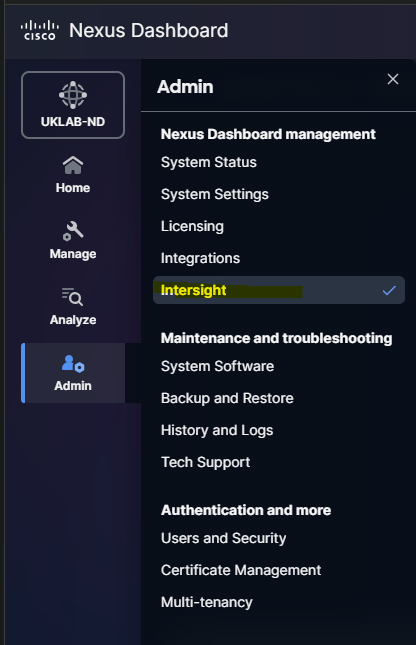
First of all we connect to our Nexus Dashboard UI, select admin and Intersight
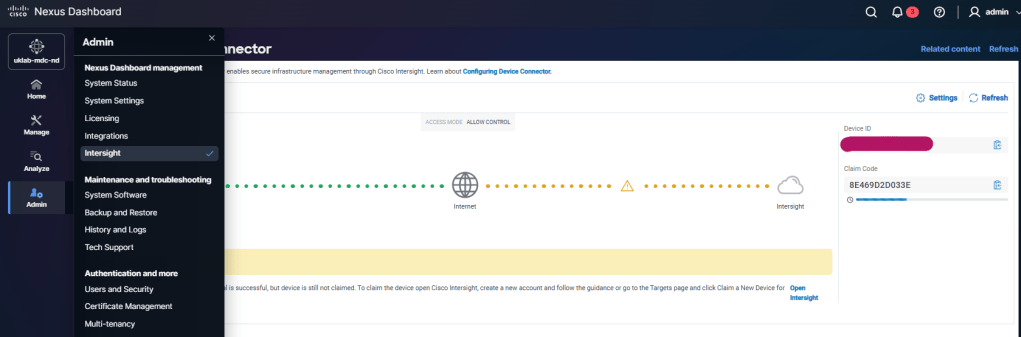
Here we are given an overview of the end to end Nexus Dashboard to Intersight connectivity. As you can see below the Device Connector to Internet portion is green. This means we have internet connectivity from our Nexus Dashboard node.
The section between Internet and Intersight is amber. This means we have connectivity and the required ports are open however we have no onboarded Nexus Dashboard into Intersight.
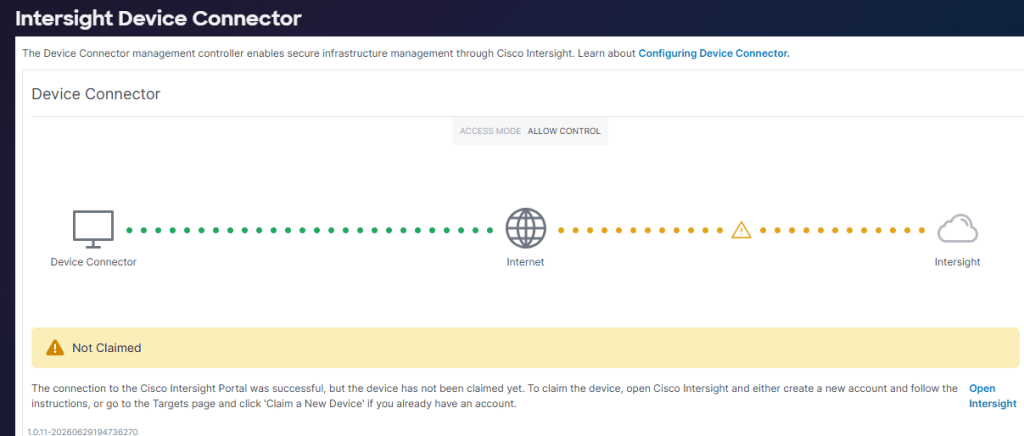
Green / Amber is what we need to see before we move to utilising the claim code within Intersight. If we see red between Device Connector and Internet then we have internet or potential DNS issues. If we see red between internet and Intersight then we likely have a firewall blocking the required ports. See the Intersight help page for required URLs and ports HERE
We have Green / Amber so we can proceed to open Intersight.
Open Intersight in your web browser and make an account if you don’t already have one. Anyone with a CCO ID can.
Now we’re logged into to Intersight we can move to System / Targets and claim Nexus Dashboard as a new target. Note that because i’m already using Cloud Control we can see Intersight as an application within the “Cloud Control” portal. I did however access this via the intersight URL not Cloud Controls.
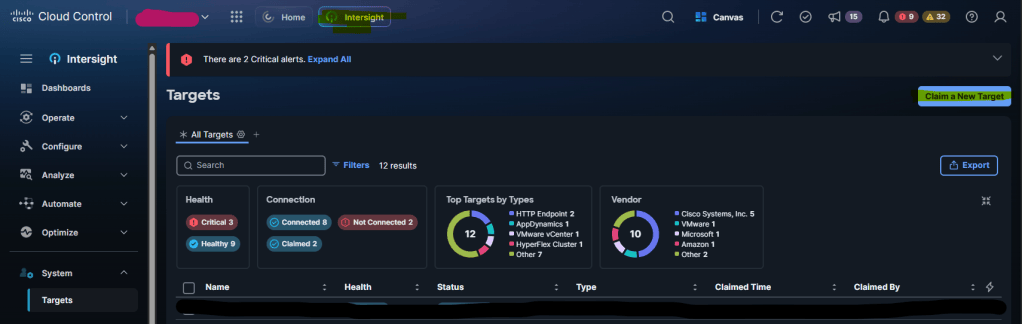
Once we’ve selected ‘Claim a New Target’ we can then select Cisco Nexus Dashboard as the target type follow by the start button in the bottom right of the screen.
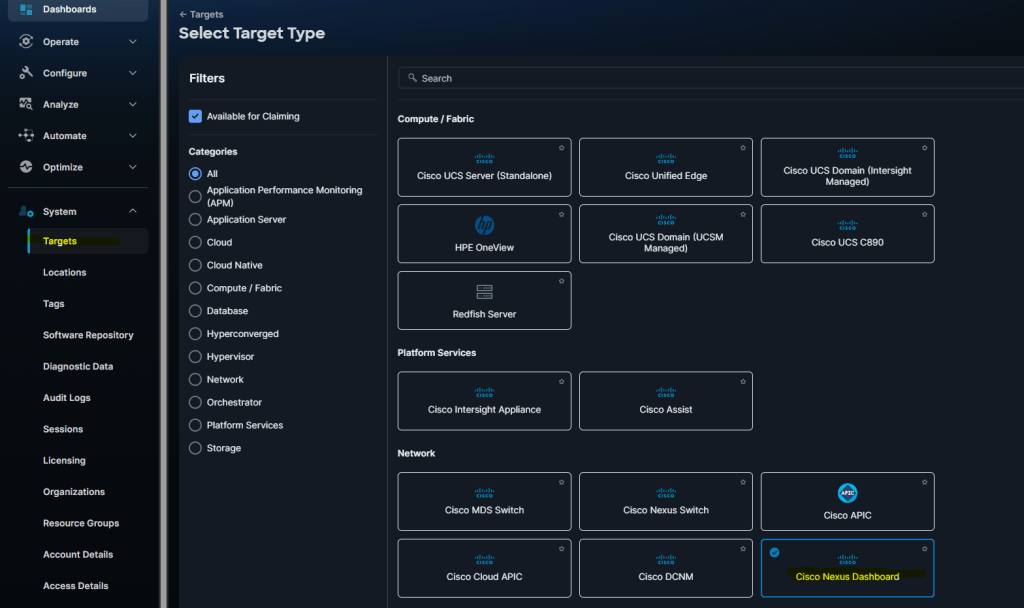
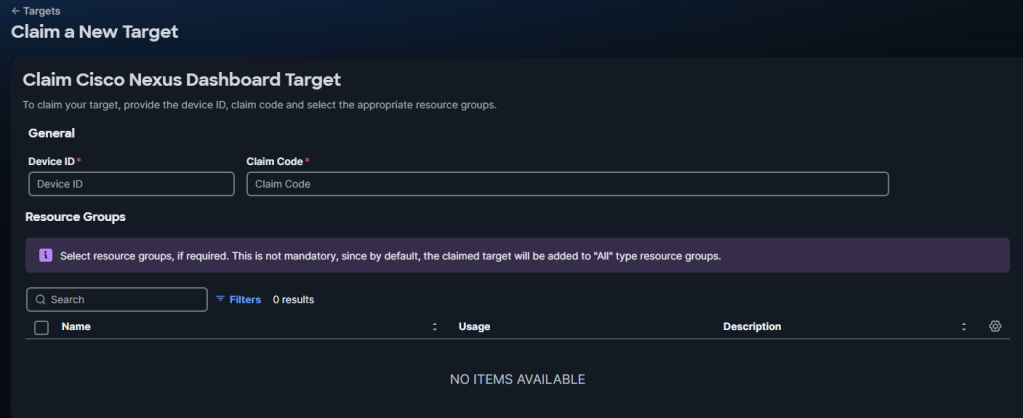
Now we are met with the request for Device ID and Claim Code
The Device ID and Claim Code can be found on our Nexus Dashboard at the Admin / Intersight page on the right hand side.
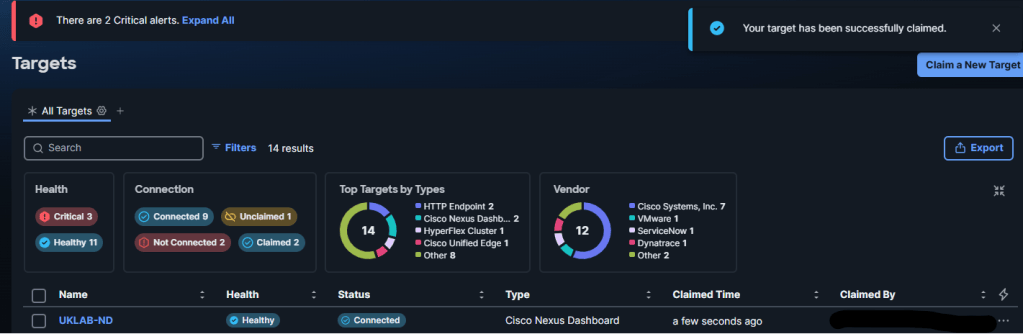
We enter our device ID and claim and select claim. If the claim is successful we are directed back to the Targets page and a notice that the target has been successfully claimed is shown. The target should be at the top if sorted in date order. Below we can see our Nexus Dashboard is now claimed in intersight.
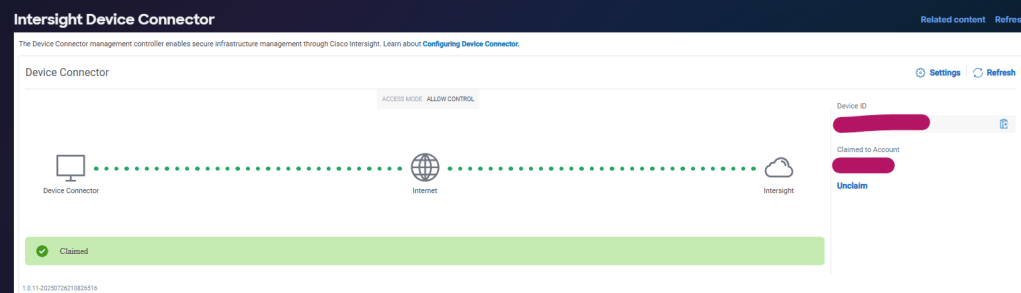
We can now return to our Nexus Dashboard, refresh our intersight page and confirm that the dashboard has been claimed. Green / Green.
Cloud Control
Next we can connect to Cloud Control HERE and confirm that our Nexus Dashboard is available as a product.
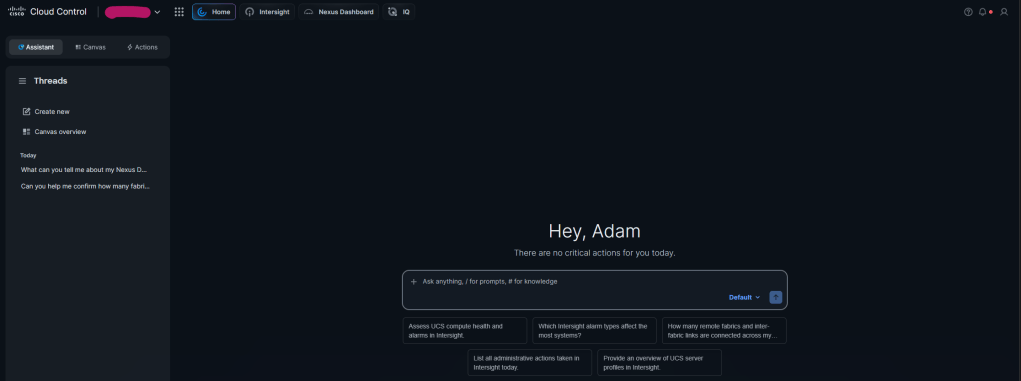
Here we can see the products available. Nexus Dashboard is now among them.
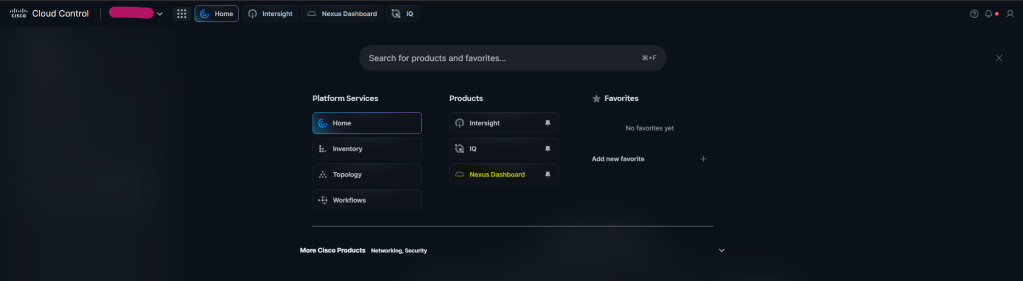
I can see Nexus Dashboard is now onboarded and ‘Reachable’
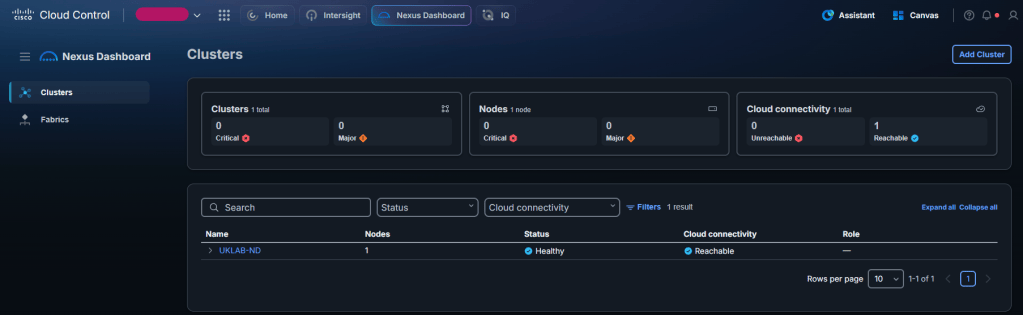
So that’s it, the Nexus Dashboard is onboarded into Cloud Control. I carried out an excited initial test of the AI assistant which returned a confirmation that I need to integrate the Nexus Dashboard with AI Assistant.
So next up i’ll be onboarding a VPC BGW VXLAN EVPN fabric and hopefully testing some AI Assistance.

